
Introducing IRIS Halo.
Voice assistant for florists.
Meet IRIS Halo, a voice-control option for the everyday POS tasks that keep your flower shop moving.

Your hands have a lot to do.
Give your voice a role.
Arranging flowers. Wrapping a bouquet. Preparing the next delivery. Your day doesn’t happen only at the keyboard.
IRIS Halo brings spoken requests to selected IRIS POS workflows, giving you another way to work with the software behind your shop. Ask for a receipt, look up a customer or check for incoming website orders while you’re working with flowers.
. Talk with our team about the upcoming IRIS Halo voice-control option for your business.
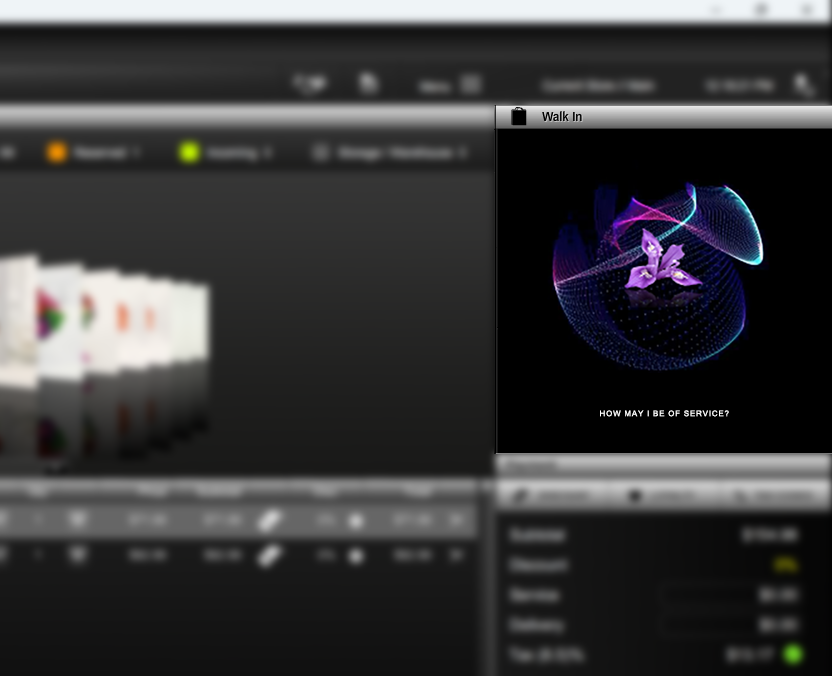
IRIS Halo.
State your command. IRIS gets to work.
Let Halo handle selected IRIS POS tasks while you focus on customers, flowers and the next delivery. Hands-free requests give you another way to keep work moving without stopping to reach for the keyboard.
More voices. Separate instructions.
Multiple employees at multiple computers can use Halo at the same time. It distinguishes between their voices and carries out commands based on the person speaking, helping each team member’s instructions stay separate while your shop works on different tasks.
Say what you need.
Let IRIS help.
Here’s a first look at the everyday tasks IRIS Halo is designed to support.
Reprint receipts.
Ask for another receipt when a customer needs a copy.
Reprint delivery & pick-up tickets.
Request another delivery ticket for an order using your voice.
Look up a customer.
Use a spoken request to look up a customer in IRIS.
Check incoming web orders.
Ask IRIS to check for incoming website orders.
Make a refund request.
Bring refund requests into your voice-control workflow.
How does it work?
Your voice. Your shop.
IRIS Halo is your flower shop’s autonomous assistant. When your hands are full, ask for the help you need while you keep creating.
-
Call on Halo.
Hey Iris…
orIris, I need you…
Designed to activate in about a second, Halo is ready for your next request.
-
An assistant that learns your shop.
Halo learns about you and your flower shop: how you do business, your customers’ needs and purchasing patterns, and the tasks you handle each day. Its assistance is personalized to your store.
-
Hands full? Just ask.
Working on an arrangement or preparing a delivery? Tell Halo which task you need, and bring voice assistance into the work you’re already doing.
Ask Halo to help you close the day.
Run an end-of-day report.
Ask Halo for your end-of-day report while you finish up in the shop.
Check today’s category sales.
Request that day’s sales for a specific category.
Review delivery & pick-up confirmations.
Ask whether all of the day’s delivery and pick-up orders were confirmed. An extra check to help you spot when follow-up may be needed.
Check stock on a specific product.
Ask Halo to check the stock level of a specific product—keeping inventory questions connected to the way you’re already working.
Transfer an order to another store.
Ask Halo to transfer an order to another store location, helping you coordinate work across your flower shops.
Check total outstanding house-account balances.
Ask Halo for the total outstanding balance across your house accounts—a clearer view of what’s still owed to your shop.
Curious about IRIS Halo?
Let’s talk about your shop.
Tell us how your flower shop works. We’ll help you explore the upcoming voice-control option and the IRIS POS behind it.